
Chrome extension · for X (Twitter)
Capture X(Twitter) posts and threads instantly
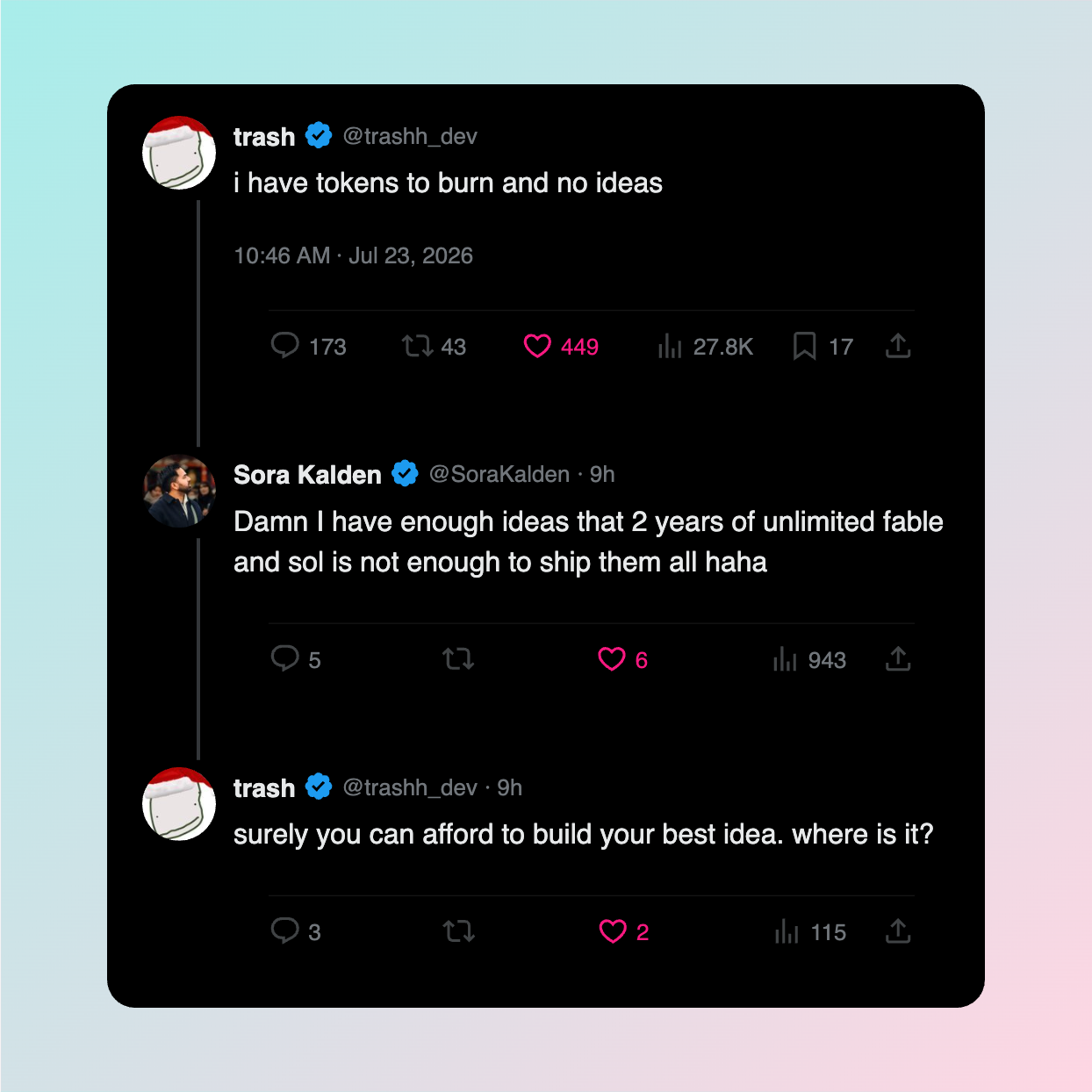
One click turns a thread into a clean, on-brand image
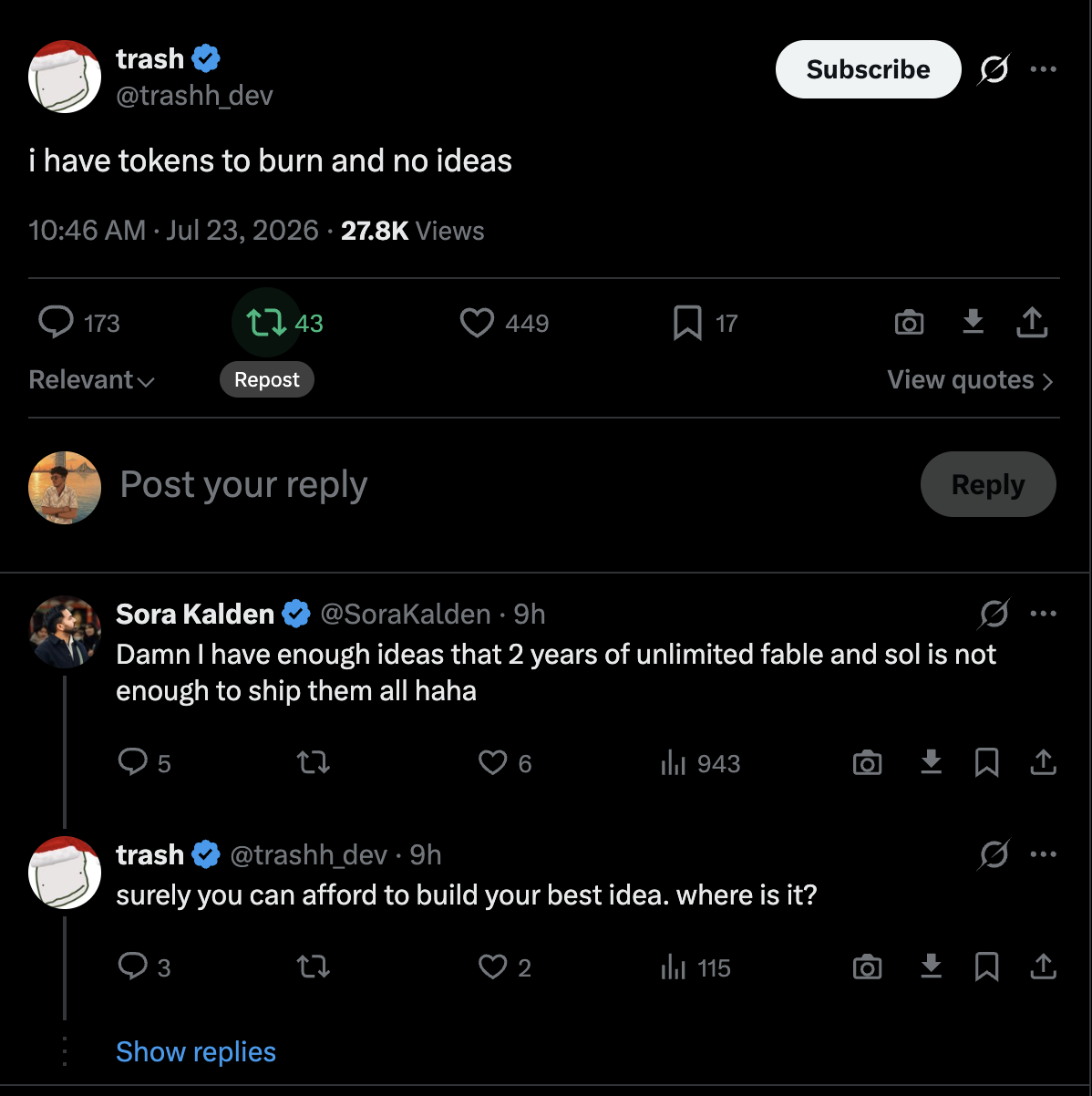
The pain it solves
Screenshots weren't built for people who publish.
contact print, reject
UI clutter, every time
Sidebars, “Who to follow,” promoted posts, and scrollbars ride along in every native screenshot. You end up cropping around the platform instead of the post.
contact print, reject
Threads don't stitch
A three-part thread means three screenshots and a fight with Figma to line them up. It rarely looks like one continuous read.
contact print, reject
Five minutes for a two-second idea
Screenshot, crop, drag into a design tool, add a background, round the corners, export. By the time it's done, the moment has passed.
How it works
Three frames, start to finish.
Snap
A button sits next to every post on your timeline. Click it on a single tweet or the first post in a thread.
Style
Pick a background, adjust padding, switch light or dark, toggle your watermark — all in the popup, all instant.
Save
Export a high-resolution PNG, or leave it in your local gallery to grab later. No account, no upload.
Spec sheet
XThreadShot vs. the copy-paste-crop routine.
Contact sheet
Six exposures worth keeping.
One-click snapping
A native button injected into the X interface — no copying URLs.
Beautiful styling
Curated backgrounds, light & dark themes, and adjustable padding.
Thread trimming
Long thread? Choose to see only the last few messages for a cleaner snap.
Toggleable watermark
A subtle credit you can switch on or off per snap.
High-res export
Pixel-perfect PNGs sized for LinkedIn, Instagram, and blog embeds.
Local-only history
Every snap is saved to your device, searchable weeks later.
Who it's for
Built for people who repurpose good tweets.
Wall of Love
Loved by creators and founders.
Sarah Jenks
@sarahjenks
"XThreadShot has completely changed how I share tweets on LinkedIn. It takes 2 seconds and looks incredibly professional. Must have extension!"
David Chen
@davidchen_dev
"Finally, a tool that actually stitches threads together. Absolutely brilliant execution."
Alex Rivera
@arivera_growth
"I was manually cropping screenshots for my newsletter every week. This just saved me hours of tedious work. 10/10."
FAQ
Common questions.
Do you store my tweets or data?+
Absolutely not. All processing happens entirely locally on your device in your browser. We don't have servers that store your data.
Does it work on Safari or mobile?+
Currently, XThreadShot is only available as a Chrome & Edge Extension for desktop.
Can I customize the background?+
Yes, you can choose from beautiful curated gradients, solid colors, or even transparent PNGs.
Stop stitching screenshots together.
Install XThreadShot, open your timeline, and snap your next post before you finish reading it.
Add to Chrome — it's freeAll processing happens on your device. Nothing is uploaded.